To assemble a BirdNET-Pi system for real-time acoustic bird classification, you'll need the following components. This guide includes links to recommended products that have been tested with the system.
The central processing unit for the BirdNET-Pi system. The 4GB model provides sufficient RAM for processing audio in real-time.
Purchase on AmazonProvides the necessary power to the Raspberry Pi. Look for a USB-C power supply with at least 3A output.
Captures bird sounds for analysis. A longer cord allows for flexible placement to capture outdoor sounds while keeping the Raspberry Pi indoors.
Purchase on AmazonConnects the Raspberry Pi to a monitor for setup and monitoring. The Raspberry Pi 4 uses micro HDMI ports.
Purchase on AmazonHelps in dissipating heat to maintain optimal performance, especially during continuous operation.
Serves as the storage medium for the operating system and data. Class 10 or higher is recommended for better performance.
Purchase on AmazonFacilitates interaction during setup. A mouse with a USB dongle or a corded USB mouse is recommended, as setting up a Bluetooth mouse might be more involved.
Essential for input during the setup process. Any standard USB keyboard will work.
Allows you to view the Raspberry Pi's interface during setup and monitoring.
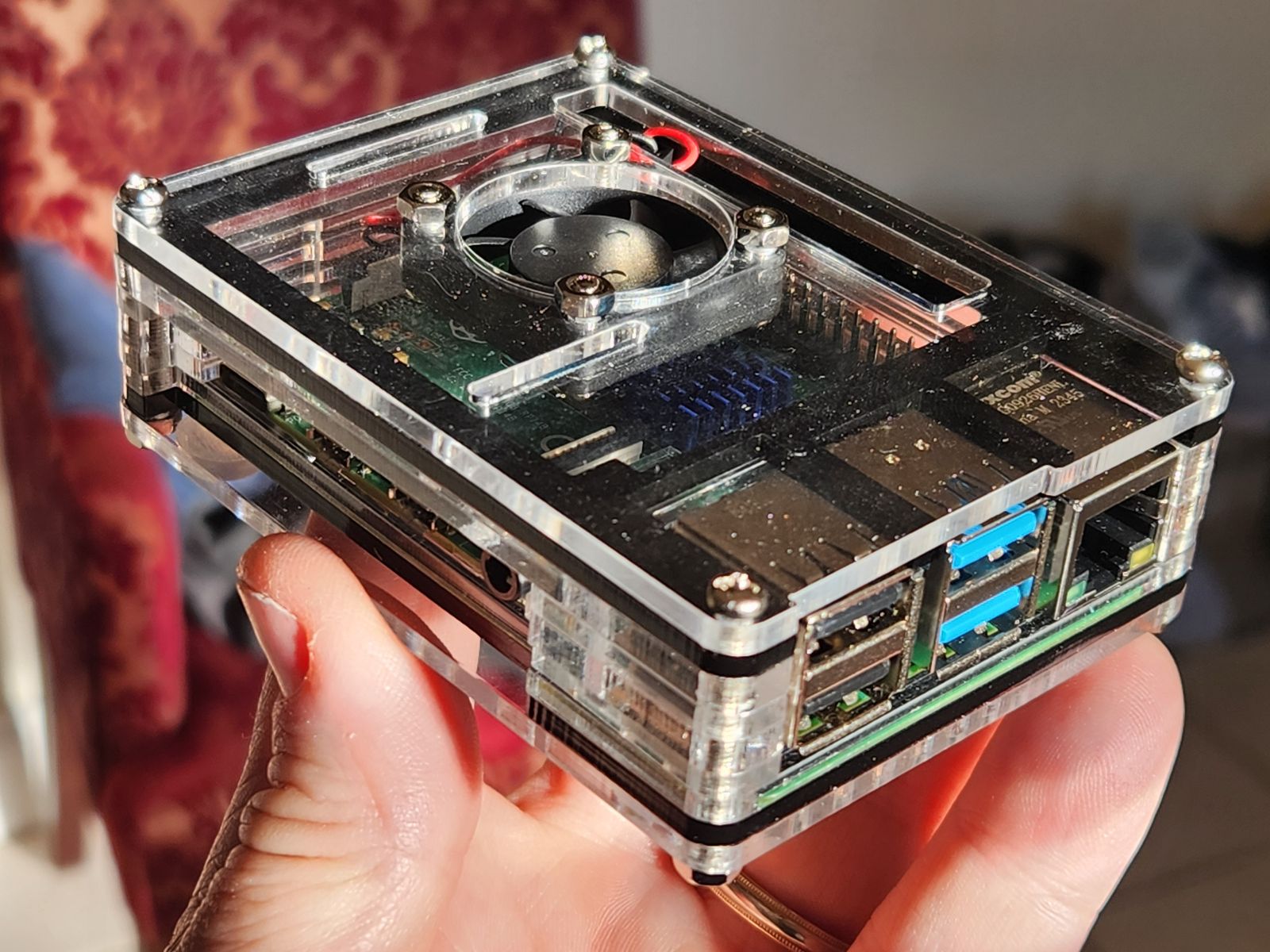
Protects the Raspberry Pi from environmental factors and can include additional features like cooling.
The Miuzei Raspberry Pi 4 Case includes a 5V 3A USB-C power supply with an on/off switch, a cooling fan, and four aluminum heatsinks.